
Workato vs Make: Choosing the Right Automation Platform for Your Business
Estimated reading time: 8 minutes
- Key Takeaways:
- Workato offers robust governance and enterprise features, making it ideal for larger organizations.
- Make is a user-friendly platform that emphasizes rapid prototyping and cost-effectiveness.
- Both platforms support extensive integrations and offer free plans for trial purposes.
Table of Contents
- Understanding Workato and Make
- Ease of Use Comparison
- Automation and Integrations Capabilities
- Pricing & Plans Comparison
- Support & Community Comparison
- Pros & Cons of Workato and Make
- Workato vs Make: Which Fits Your Business?
- Conclusion
- FAQ
Understanding Workato and Make
What is Workato?
Workato is an enterprise integration platform as a service (iPaaS) designed for creating secure, high-scale workflows across various applications, data sources, and teams. It employs a system of “recipes” to orchestrate triggers, actions, and logic and provides robust governance features that are pivotal for IT and operations leaders. The platform primarily targets mid-market and enterprise IT, business technology, revenue operations, finance, human resources, and product teams that prioritize reliability and compliance at scale.
Main Features:
- Recipe builder with reusable components
- Advanced error handling and versioning
- Environments for deployment promotion
- API management and integrations
- On-premises agent for private networks
- Workbot for Slack and Microsoft Teams
- SDK for custom connectors
- Enterprise security controls and auditing capabilities
Best Fit: Workato is ideal for organizations with complex processes, strict compliance requirements, hybrid connectivity needs, or those looking to embed iPaaS capabilities within their applications.
What is Make?
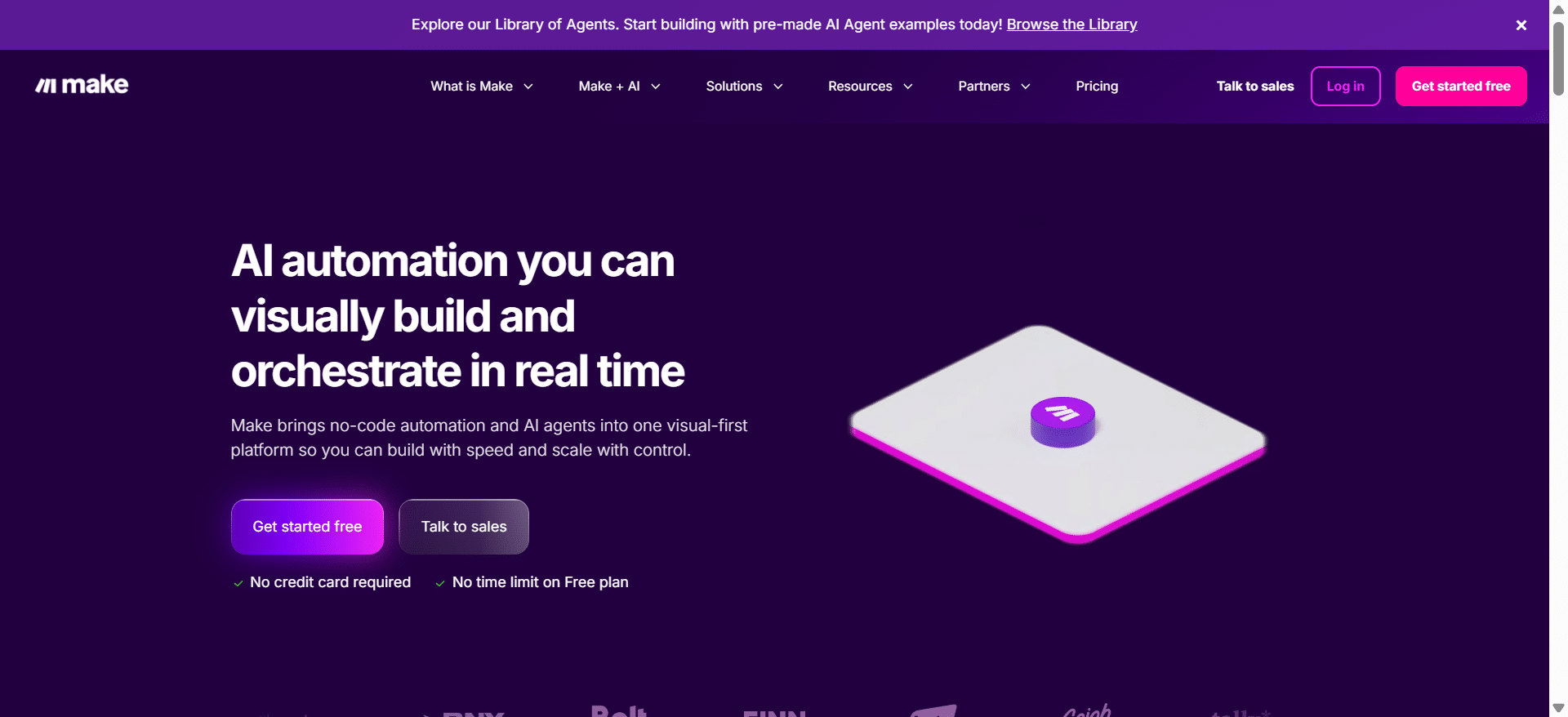
Make is a visual automation platform that allows users to create workflows through a canvas-based editor. The platform emphasizes rapid prototyping, flexible data manipulation, and cost-effectiveness, making it suitable for small to medium-sized businesses, startups, and marketing teams. Make operates under a less formal governance structure, allowing for tool usage in less regulated environments compared to Workato.
Main Features:
- Drag-and-drop functionality for workflow design
- Branching and iteration using routers and iterators
- Thousands of pre-built app modules and templates
- Robust HTTP and webhook integrations for custom APIs
- Scheduling and real-time triggers
- Inline data transformation features
- Built-in OpenAI modules for enhanced functions
Best Fit: Make is perfect for teams that need to quickly set up workflows and automate departmental processes while controlling costs efficiently.
Ease of Use Comparison
When comparing Workato vs Make, ease of use is a critical consideration.
Make presents a user-friendly, visual canvas that enables users to place modules for different applications and connect them graphically. This picture-first approach caters primarily to non-technical users, making it intuitive and approachable for those unfamiliar with code.
In contrast, Workato employs a structured recipe editor where steps are displayed as a list. While still user-friendly, it aligns more closely with software development standards, making it preferable for IT teams and automation engineers who value governance and maintainability.
Bottom Line: Make is typically more intuitive for first-time and non-technical users. Workato is often favored in mixed teams with IT personnel, where governance and change management processes are crucial.
Automation and Integrations Capabilities
Automation Depth
Workato offers robust automation capabilities with advanced error handling and rollback mechanisms. It allows for environments such as development, testing, and production, which is ideal for mission-critical processes in larger organizations. Features like job monitoring and approval workflows enhance governance, making it suitable for regulated industries.
Make, on the other hand, excels in offering flexible data operations. Its ability to execute real-time and batch integrations allows for straightforward transformations, which is perfect for marketing operations and product-led growth initiatives.
Connectivity and Custom Integrations
Both platforms provide extensive libraries of pre-built connectors for popular applications like Salesforce, HubSpot, Google Workspace, and more. They also support generic HTTP integrations for custom REST API solutions.
- Workato provides an SDK for building private and public connectors, along with secured hybrid connectivity via an on-premises agent, beneficial for organizations dealing with sensitive data.
- Make offers robust developer support for creating custom apps but typically requires an exposed API to achieve hybrid connectivity.
Takeaway: Opt for Workato if your organization requires enterprise-grade governance and lifecycle management. Choose Make for speedy API operations and visual data manipulation.
Pricing & Plans Comparison
Workato Pricing
Workato follows a tiered, quote-based pricing model aligned with workspaces, recipe capacity, and premium features such as single sign-on (SSO) and audit controls. Enterprises often engage in discussions with sales to customize their package, occasionally making pricing transparency a challenge.
- Free Trial: Typically offered upon request, allowing businesses to build and test recipes with a limited number of connectors.
Value Proposition: Workato is highly valuable for enterprises that can fully leverage its governance and lifecycle management capabilities.
Make Pricing
Make operates on a transparent pricing structure with monthly operation and data transfer allowances, making it easy for businesses to gauge costs.
- Free Plan: Provides a “free forever” option to pilot basic scenarios. This allows teams to explore functionalities before committing.
Value Proposition: Make is ideal for SMBs and departmental use due to its affordability and low entry cost, ensuring predictable pricing as user adoption scales.
Bottom Line on Cost: Make generally offers a clearer and lower-cost entry point than Workato, which may command a premium price justified by enterprise-scale features.
Support & Community Comparison
Workato Support
Workato features enterprise-grade support plans, including extensive documentation and a community recipe library. Onboarding assistance and best practice guidance are tailored to enterprise needs, ensuring smooth integration.
Make Support
Make provides user resources through their knowledge base and community forums. Email support is available for paid plans, with priority options for higher-tier subscriptions.
Training and Certifications
Workato offers structured learning paths and certifications through its Automation Institute, while Make provides courses and badges.
Security and Compliance Resources
Workato emphasizes security by publishing detailed attestations, while Make provides an overview of its security frameworks.
Pros & Cons of Workato and Make
Workato Pros
- Robust Governance: Strong environments, role-based access control, auditing, and approval workflows enhance operational security.
- Hybrid Connectivity: Secure on-premises agent allows integration with databases and apps within private networks.
- Powerful SDK: Supports custom connector development and offers strong API management.
- Workbot Availability: Automates processes in Slack and Microsoft Teams for operational efficiency.
Workato Cons
- Premium Pricing: High cost that necessitates thorough justifications for enterprises.
- Structured Model: Heavier recipe model can feel cumbersome for quick experiments.
- Trial Access Requirements: Preliminary access often needs sales intervention, which can limit initial exposure.
Make Pros
- Visual Interface: Makes it easy for non-technical users to create workflows quickly.
- Cost-Effectiveness: Clear, low-cost pricing structures allow for budget-friendly scaling.
- Large Template Library: Numerous pre-built templates expedite the automation process.
- Flexibility: Strong generic HTTP and webhook modules accommodate varied API requirements.
Make Cons
- Basic Project Controls: Limited enterprise guardrails compared to Workato.
- No On-Premises Agent: Requires secure API exposure, which may complicate integration setups.
- Pricing Spike Potential: Operation-based pricing can escalate with inefficient scenario design.
Workato vs Make: Which Fits Your Business?
When deciding between Workato and Make, consider factors like risk profiles, scale, and team capabilities. If your business processes are heavily regulated, require cross-departmental integration, or operate continuously, Workato is likely the preferred choice. Conversely, if rapid iterations, departmental agility, and transparent pricing are essential, Make is hard to beat.
Quick Evaluation Plan:
- Select High-Value Use Cases: Identify critical scenarios like lead routing or order syncing.
- Build Prototypes: Utilize both platforms for a quick demonstration of capabilities.
- Measure Time to Achieve Success: Compare timeframes for successful workflows, error handling, and cost estimations.
- Validate Compliance Needs: Especially if dealing with private networks or data handling regulations.
- Standardization Decision: Choose whether to adopt a single platform or run dual systems for different organizational needs.
Conclusion
The decision between Workato vs Make ultimately hinges on your organizational requirements, compliance obligations, and technical expertise. Each platform offers distinct advantages that can cater to various business operations. By thoroughly assessing what each solution provides against your goals, you can make an informed decision that enhances your operational efficiency and empowers your team’s productivity.
Are you ready to take your business to the next level with automation? Explore our services or contact us for personalized guidance on optimizing your workflows!
FAQ
- What industries can benefit from Workato?
Workato is particularly beneficial for industries with complex compliance needs, such as finance, healthcare, and regulated environments. - Can Make handle large-scale operations?
While Make is designed for small to medium-sized businesses, its rigorous capabilities allow for handling larger operations with careful scenario design. - Are there limitations on the free plans offered by both platforms?
Yes, both platforms have limitations on features and connectors in their free plans, requiring an upgrade for full access. - Which platform is better suited for non-technical users?
Make is generally more user-friendly for non-technical users due to its visual design interface.